Lock Down Your Mobile Wallet Without Losing Convenience

Today we explore how to secure your mobile wallet with stronger PINs, thoughtful biometric choices, and dependable backup strategies. You will learn practical settings that matter on iOS and Android, habits that reduce daily risk, and recovery steps that actually work under pressure. Share your experiences and questions in the comments so we can refine these practices together and build a safer, more confident way to pay and save on the go.

Build a PIN You Can Recall Under Stress

Avoid birthdays, repeating digits, and patterns that trace straight lines. Consider a six or eight-digit PIN you can recall even when adrenaline spikes. Practice entering it one-handed, in low light, and with shaky fingers. If supported, enable auto-erase after too many attempts, but only once your backups are tested and your recovery steps are crystal clear.

When Biometrics Shine, and When to Fall Back
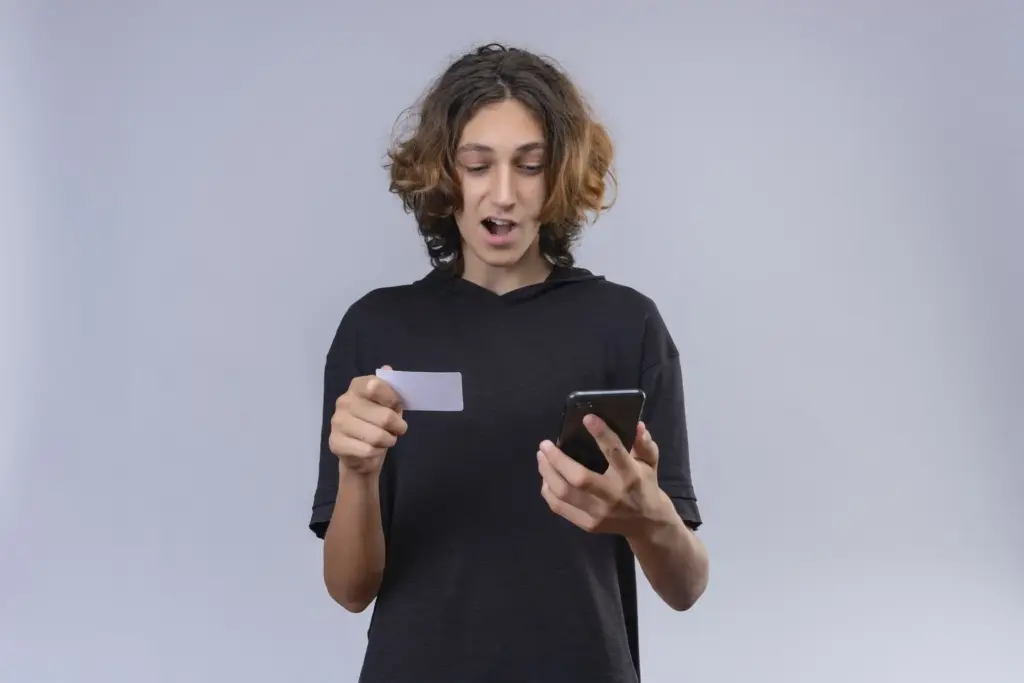
Biometrics are perfect for routine unlocks in safe environments, minimizing shoulder surfing risk. However, if you are traveling, crossing borders, or feel coerced, prefer your passcode. Many wallets allow disabling biometric approval for high-value transfers, adding a deliberate pause. Build muscle memory for switching modes quickly, so your safer fallback is natural, not a panicked afterthought.

App Settings That Stop Thieves Cold

Inside your wallet app, subtle toggles change outcomes. Require authentication every time you open the wallet and again before sending funds. Hide balances until verified. Disable screenshots if available. Limit quick-pay shortcuts. These frictions barely affect daily use yet derail casual snoops and rushed pickpockets. One reader enabled per-transaction prompts and caught a sneaky subscription charge within minutes, not days.

Backups You Can Trust When Phones Disappear

Backups are your safety net after loss, theft, or water damage. For custodial wallets, secure account recovery with strong passwords and hardware-backed device security. For non-custodial and crypto wallets, protect seed phrases offline, create redundant copies, and test restores. A traveler who lost a phone in a rainy market still recovered funds within hours because a verified backup lived elsewhere.

Everyday Habits That Defeat Social Engineering
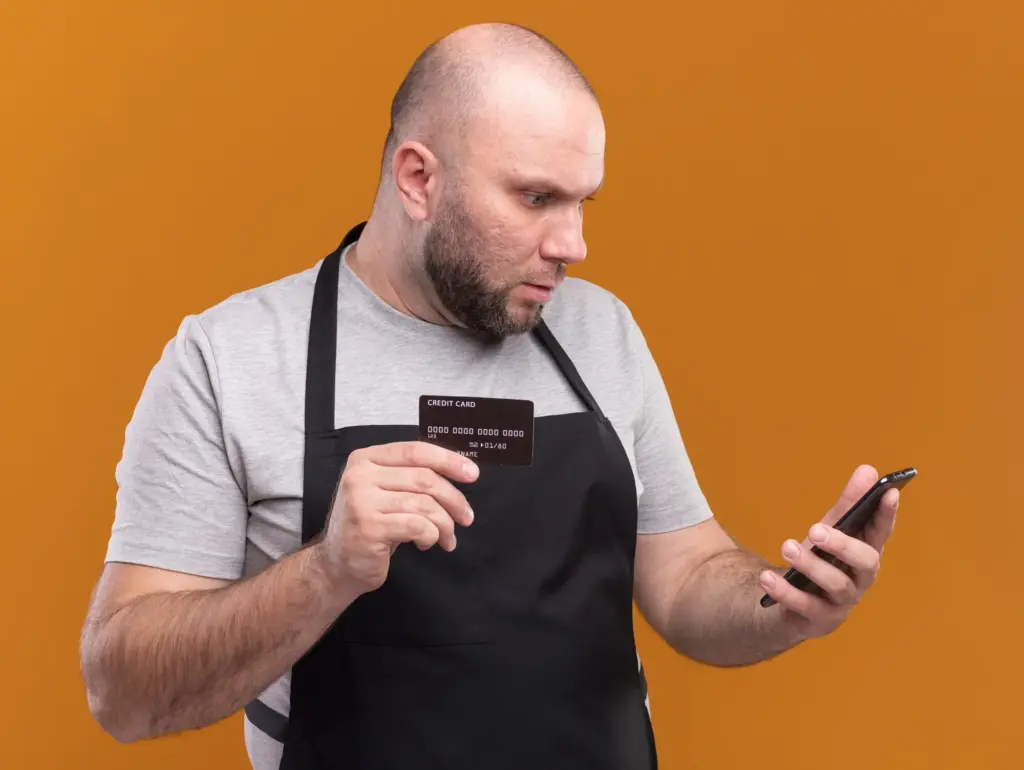
Criminals often bypass defenses by pressuring people. Slow down approvals, double-check payee details, and treat support messages as guilty until proven legitimate. Build a ritual: confirm, authenticate, then act. One subscriber avoided a costly mistake by phoning a merchant through a known number, discovering a spoofed invoice that looked flawless except for a barely altered return address.

Travel, Public Spaces, and Shared Devices

Trips change your risk profile. Crowds increase shoulder surfing, public Wi‑Fi invites interception, and border checks complicate device access. Plan ahead: privacy screens, minimal notifications, and selective biometrics can help. A commuter once stopped a sneaky glance by using a darker theme and larger tap targets, avoiding fumbles that reveal sensitive screens at the worst moment.

Reduce Exposure in Crowds With Physical and Digital Defenses

Add a privacy screen, hold your phone lower, and shield PIN entry with your hand. Keep wallets on your home screen for fewer swipes, but require unlock for viewing balances. Use cases with wrist straps on transit. If your phone supports it, enable lost-mode reminders and rapid SOS triggers that start remote-lock actions instantly.

Assume Public Wi‑Fi Is Hostile and Route Around It

Prefer cellular data for transactions. If you must use Wi‑Fi, rely on a reputable VPN and disable auto-join for open networks. Turn off Wi‑Fi and Bluetooth when idle to reduce broadcast trails. Keep OS and wallet updates current before leaving home, so you install fewer patches amid questionable signals and confusing captive portals.

Plan for Loss: Carrier Locks, eSIM Transfers, and Wipe Paths

Set a carrier PIN to resist SIM swaps, and store it securely. Know how to transfer an eSIM or suspend service remotely. Enable Find My or equivalent, with verified access to your account from a separate device. Test remote-wipe flows ahead of time, ensuring you can act decisively within minutes, not hours.

Monitoring, Testing, and Rapid Response
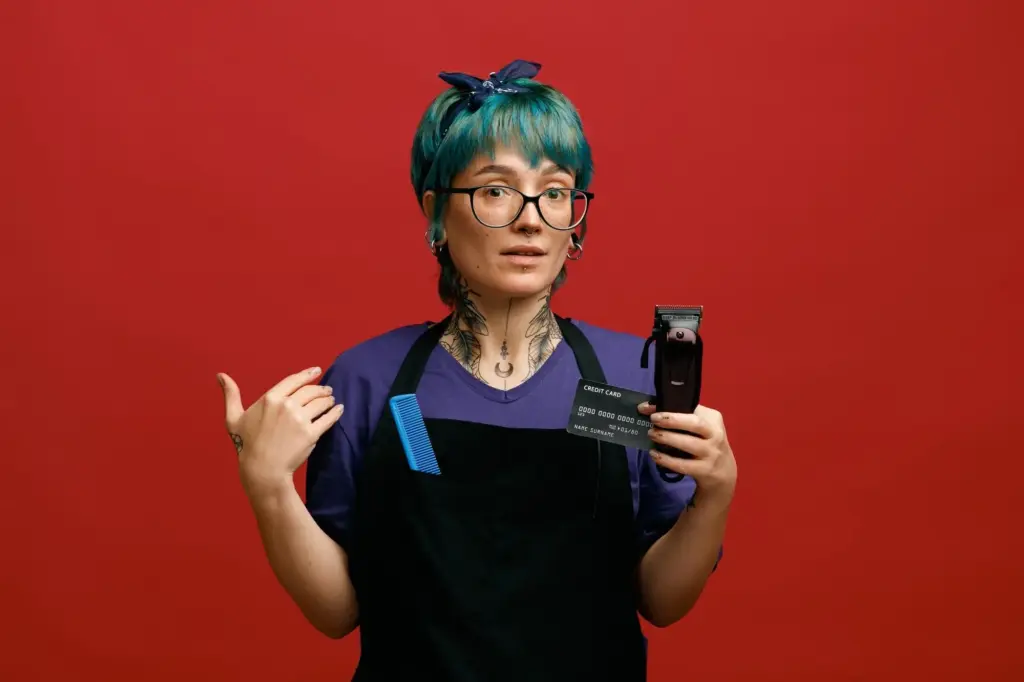
Security improves when you measure, rehearse, and respond fast. Turn alerts into useful signals, keep a short playbook for bad days, and regularly reconcile balances. A small ritual—five minutes every Friday—caught an unfamiliar login for one reader, leading to a password reset, a device revocation, and zero actual loss beyond a few calm clicks.

Turn Alerts Into Signal, Not Noise, and Act on Them

Enable notifications for new devices, password changes, high-value sends, and recovery attempts. Disable trivial pings that train you to ignore the important ones. Route critical alerts to email and push, with distinct sounds. When something looks off, pause spending, change credentials, revoke tokens, and document steps while details are fresh and timelines are clear.

Keep a Printed Response Card With Contacts and Steps
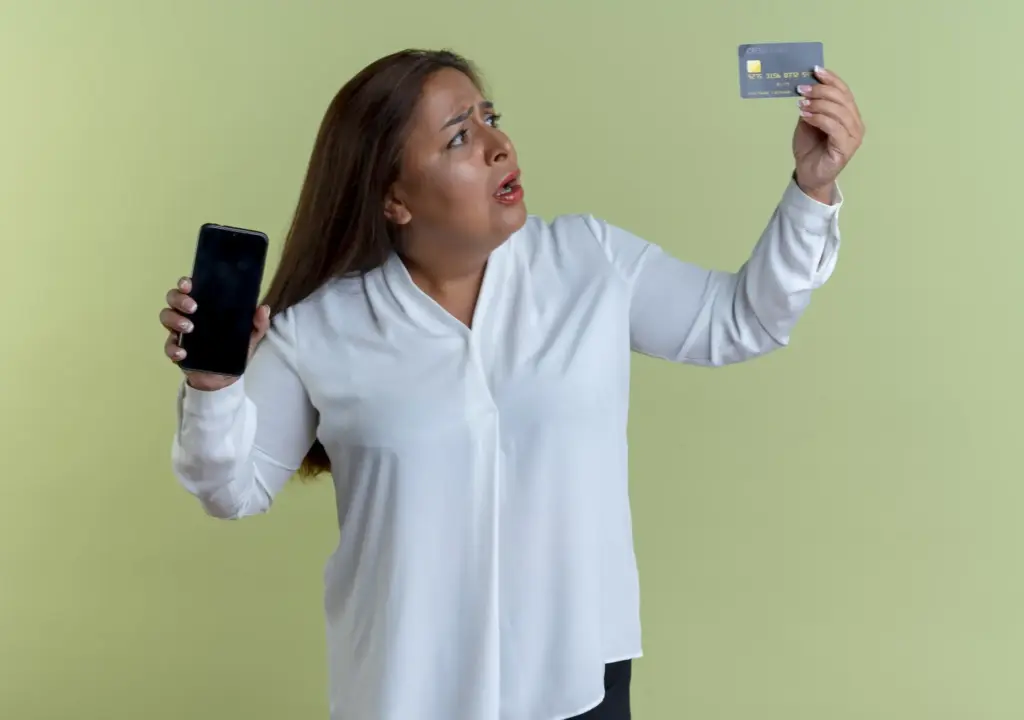
Write a one-page checklist: remote lock instructions, wipe paths, carrier contact, bank fraud line, and backup locations. Store it near your passport, not on the phone. In a crisis, clarity beats memory. Share a copy with a trusted person who can help coordinate if your primary device is missing or suddenly unavailable.

Run Quarterly Fire Drills to Keep Skills Fresh

Simulate a lost phone: time how long it takes to log into your account from another device, locate the phone, initiate a lock, and verify backup access. Update weak spots immediately. Small rehearsals prevent frantic guesswork later, turning chaos into a trained routine that protects your funds and your confidence under pressure.
Faritelitoraveltonari
Privacy Overview

This website uses cookies so that we can provide you with the best user experience possible. Cookie information is stored in your browser and performs functions such as recognising you when you return to our website and helping our team to understand which sections of the website you find most interesting and useful.